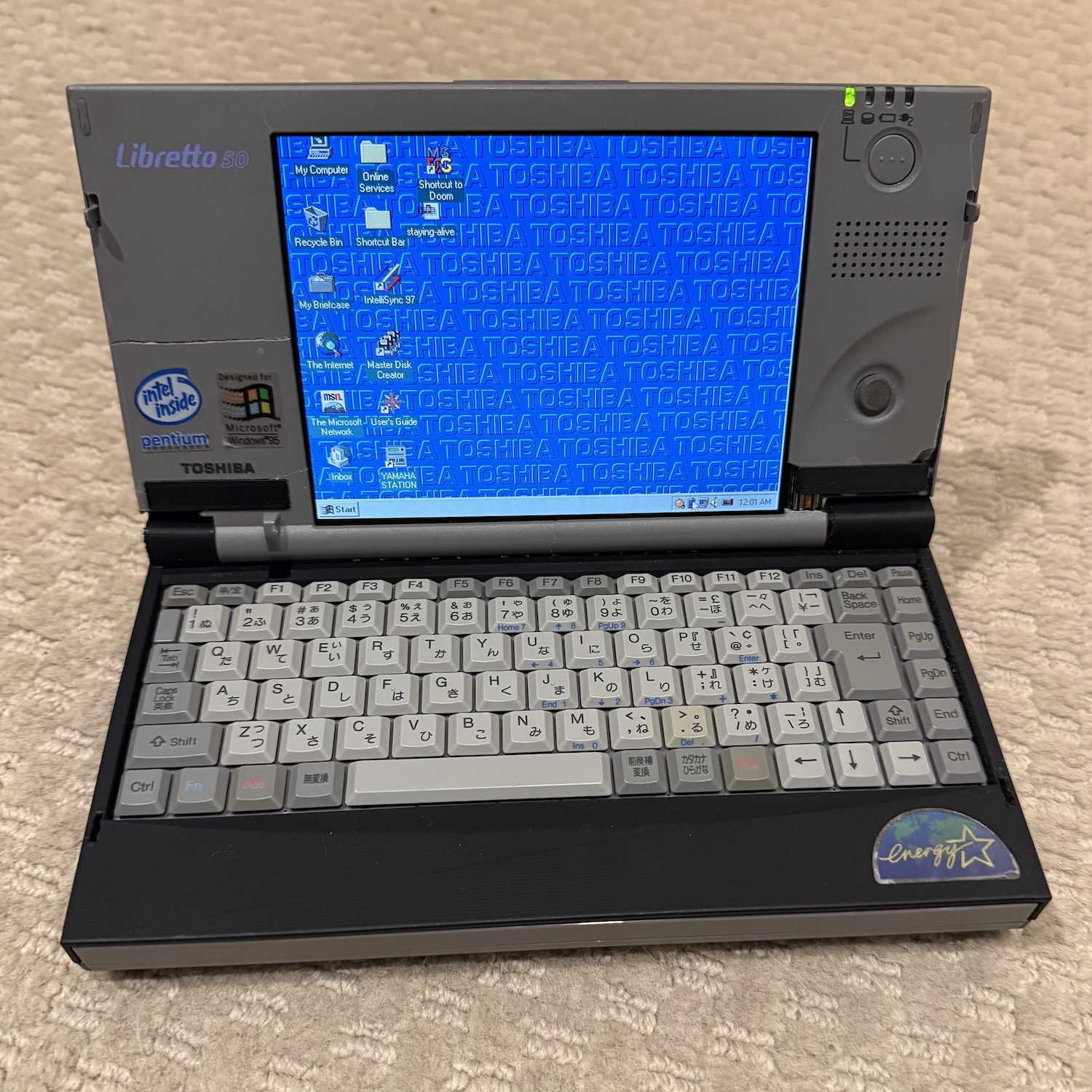
Toshiba Libretto 50 3D Printed Case and BIOS Restore
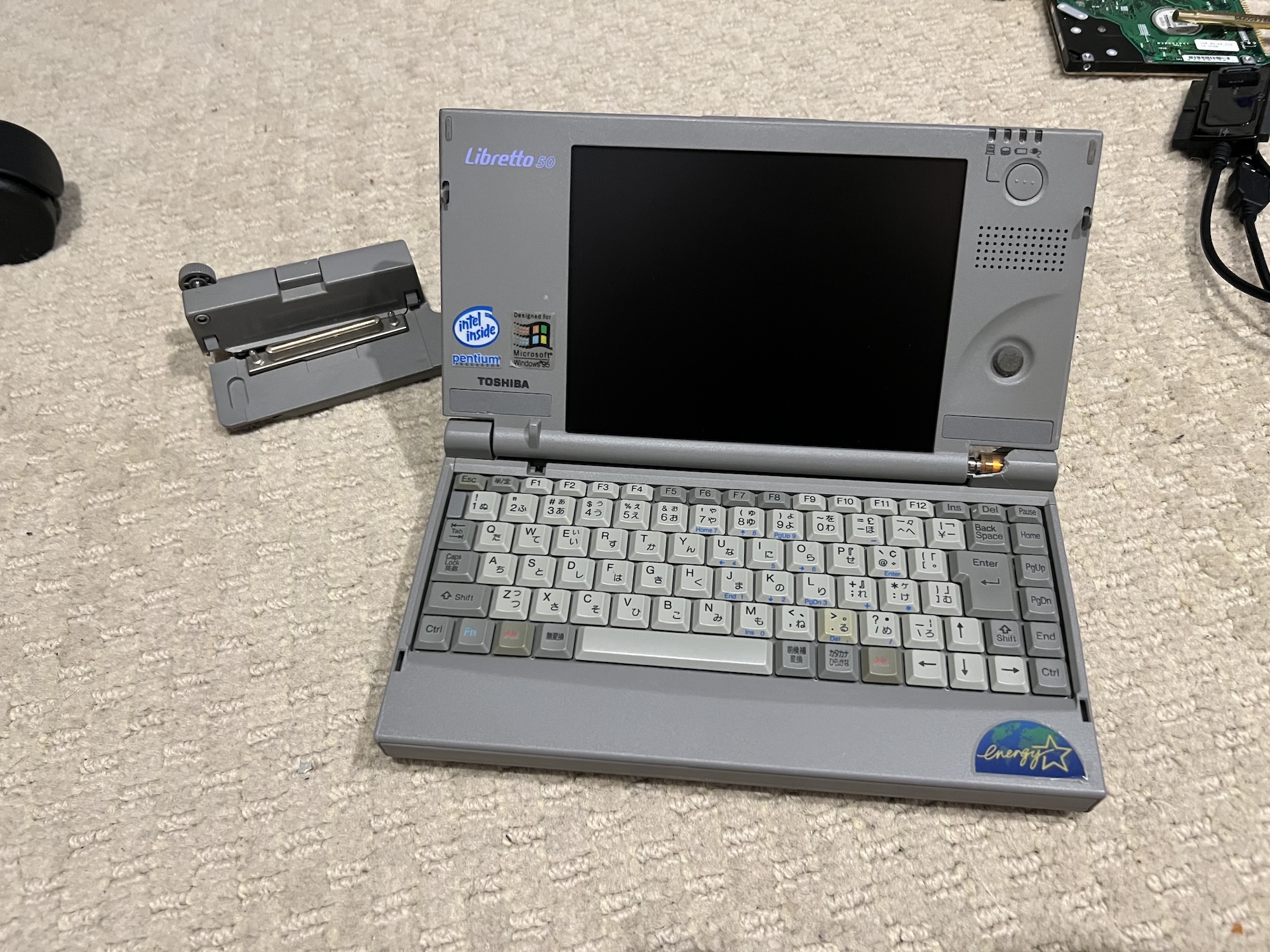
I’ve always been a fan of miniature PCs. The idea of a full-sized, x86 PC that can fit in my pocket is just so cool. One of the most well-known computers in this genre is the Toshiba Libretto, which is a fully functional laptop scaled down to be just a bit bigger than a modern smartphone. The line debuted in 1996, at a time when miniaturizing electronics was expensive, and thus it was a bit of a status symbol. I was on the lookout for one of these for quite a while, but never bought one since prices were just a bit too high ($2-300) for what is essentially a novelty.
That was until I decided to look on Japanese auction sites. Japan has always had a bit of a different attitude with used electronics. It’s very difficult and expensive to recycle things in Japan, with regulations including putting a sticker on your garbage bag if you dispose of something improperly, with the intent of shaming you. This means that people tend to keep stuff. There also hasn’t historically been as much of a demand for retro tech locally. These two factors mean that there is a lot of retro tech available, and a lot of it is cheap. I ended up purchasing a Libretto 50 for a grand total of $90.95 ($63.09 purchase price plus $27.86 shipping, pre-tariffs), which is a fraction of what it would have cost on eBay in the US.
Unfortunately, it was cheap for a reason, as there were two major issues that stopped this Libretto from being really usable. The first was a very common issue with Libretto models: brittle plastics. As Polymatt describes in this excellent YouTube video, major pieces of the Libretto’s case are made of pure polycarbonate, which is highly susceptible to degradation over time. This results in the case almost turning to powder, with it just breaking worse and worse every time you use it. Mine was certainly experiencing this, and I knew that if I was going to use the machine at all, it was an issue I was going to have to address. The palmrest of my machine was totally falling apart, and the display bezel was still mostly in one piece but was just as brittle, so I was going to need a new case. Obviously, Toshiba is not making them anymore, so I turned to 3D printing. Polymatt fully and accurately 3D modeled the Libretto’s case in his video, meaning all I had to do was print it out.
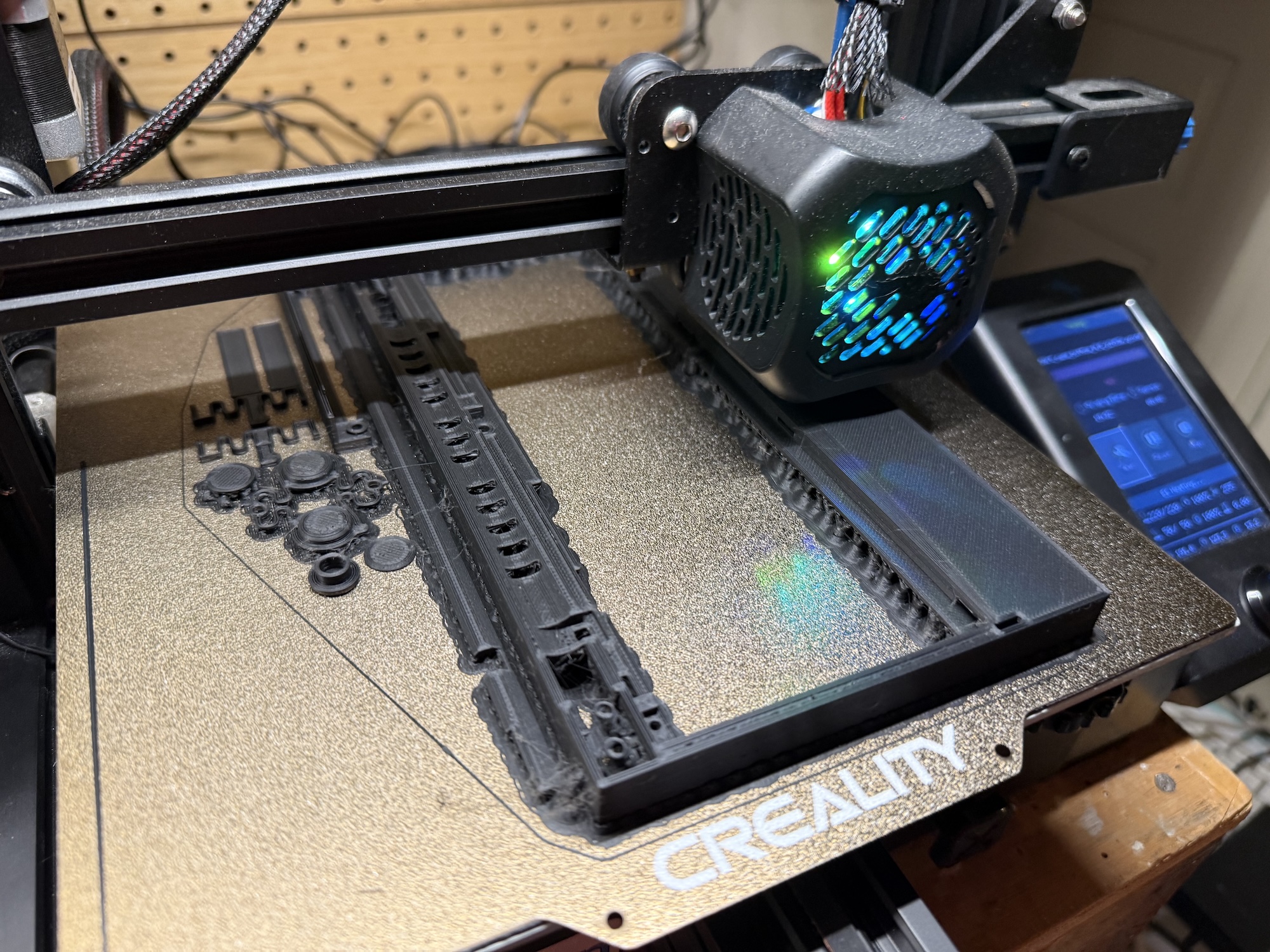
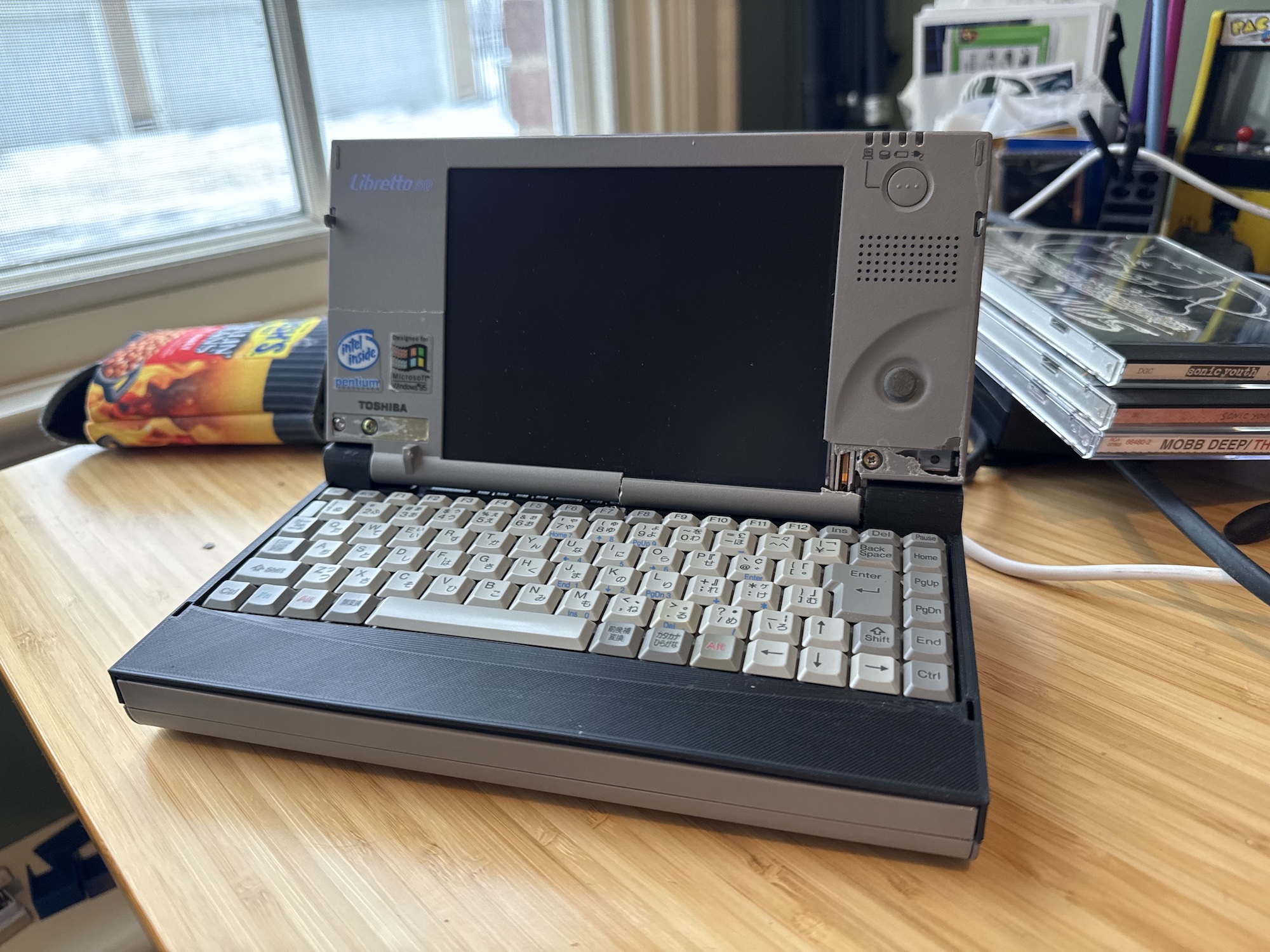
I first attempted printing a case on my Creality Ender-3 V2, a relatively expensive home printer. Unfortunately, it just didn’t turn out as nicely as I had initally hoped. I printed with matte PLA in the hopes of getting a better finish, but as I found out after I printed it, matte PLA is more brittle and has a lower bending strength. This resulted in a case that was flimsy, and although it fit all right, I wasn’t happy with the overall look.
Thankfully, I had access to a much nicer printer at college: a Bambu Lab H2S. This $1,500 printer was a little out of my budget personally, but would surely produce a much nicer result. I went ahead and re-printed the case, and lo and behold it turned out really nicely.
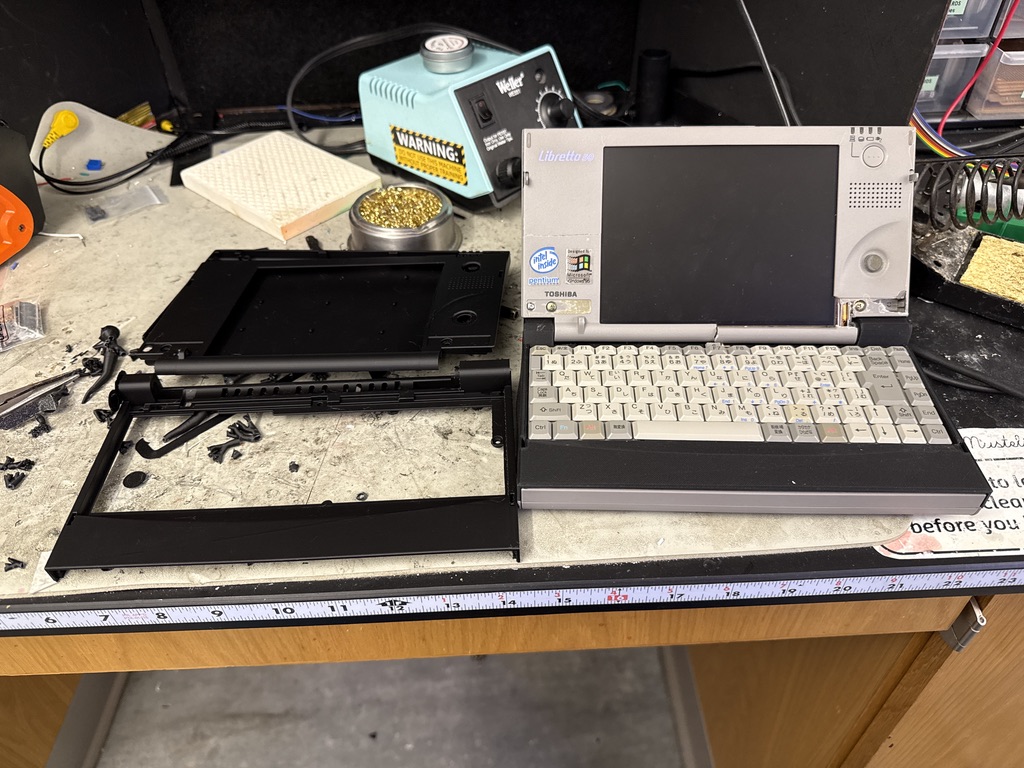
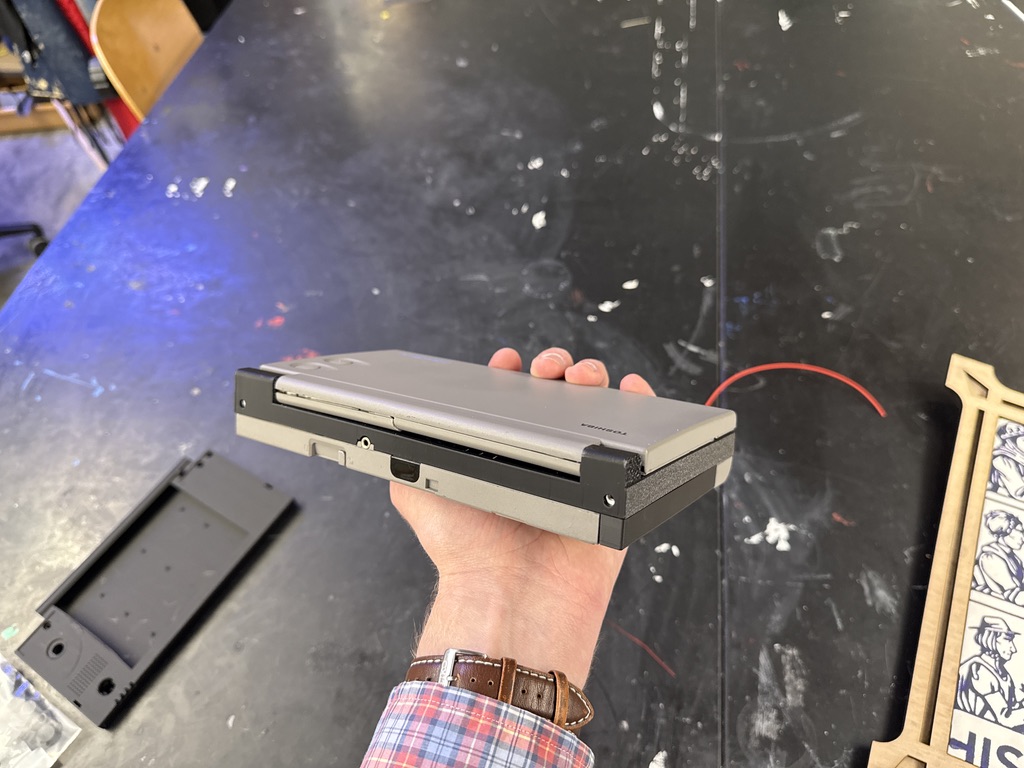
I decided to install just the palmrest, and leave the screen original. Thankfully, it fit perfectly this time.
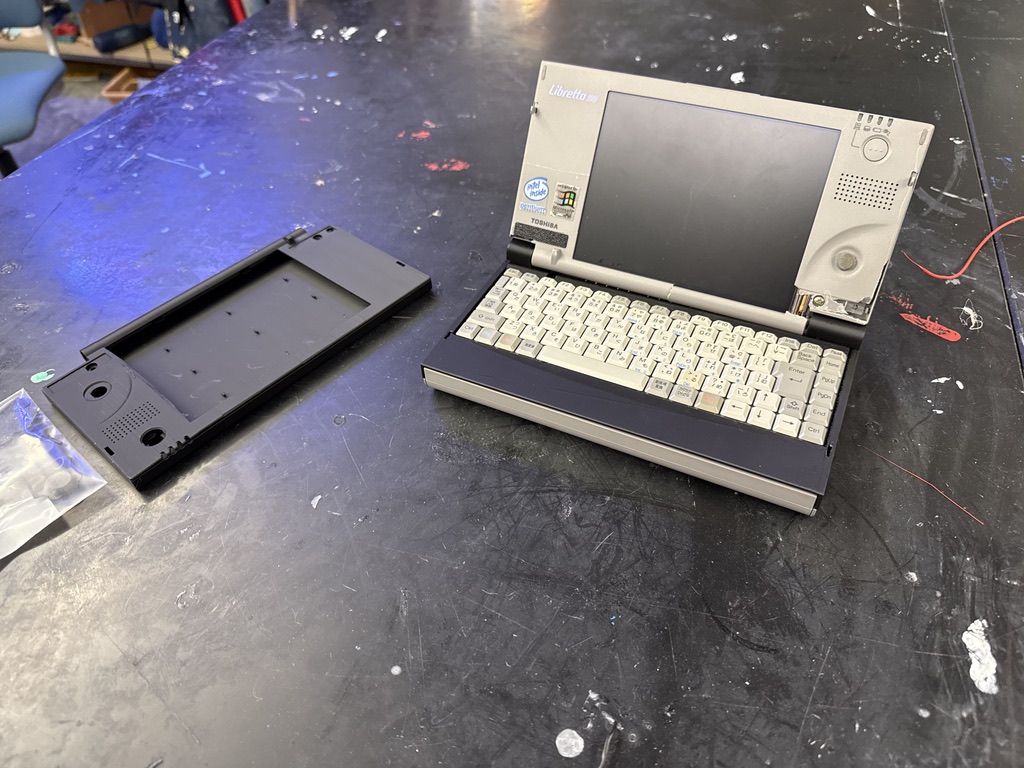
But now with this case installed, I had to turn to the second issue: a corrupted BIOS. When I turned the machine on, I was presented with a screen that read “BIOS is damaged! (Call your serviceman.) Serviceman: Place maintenance disk in drive and press any key when ready.” Thankfully, Toshiba made a bootable floppy that you can use to update or restore the BIOS, and these Librettos are popular enough that people still host downloads for the floppy creator utility. I downloaded the utility from this website, and used a Windows XP machine with a floppy drive to create the disk. Since my Libretto is a Japanese model, however, I needed the Japanese BIOS image from here. The Japanese BIOS image is in a self-extracting archive, and the file you will want is called “BIOFCD6J.COM”. Copy this onto the floppy drive that the creator utility makes, insert it into the Libretto, and it will flash.
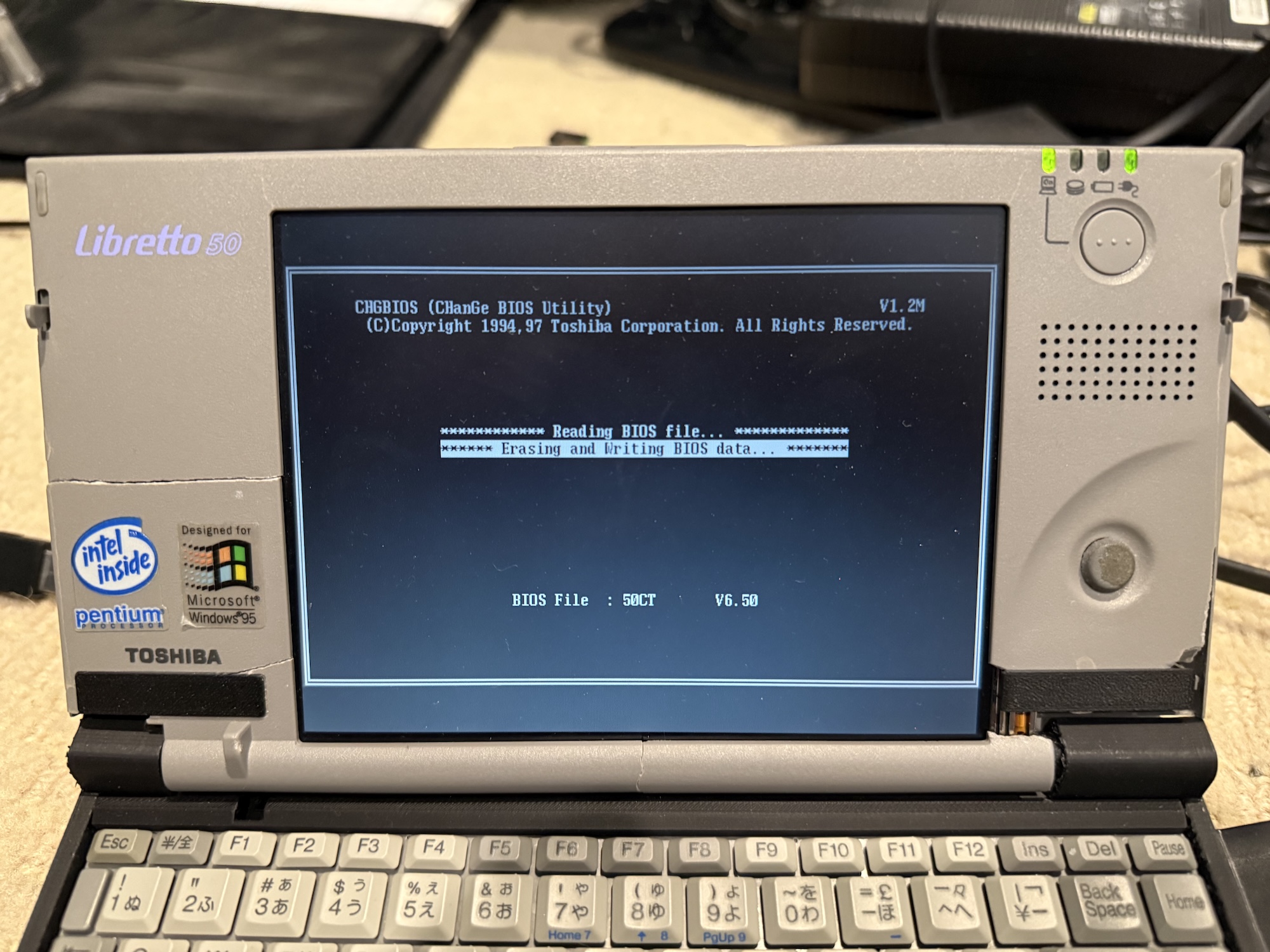
With this, I was left with a fully functional Libretto, and even the battery still worked (for about five minutes)! I plan to paint the palmrest in the future and probably also replace the inner display bezel since that’s falling apart, but for now I have a completely functional mini Windows 95 laptop!